AI appointment reminder calls do what a text reminder cannot: they get an answer. A text can be ignored; a short call asks "are you still good for tomorrow at two?" and turns a silent no-show into a reschedule you can fill.
AI appointment reminder calls are automated calls from an AI voice agent before each appointment that confirm the time, answer quick questions and offer a new time to anyone who cannot make it, with a text reminder as backup for anyone who does not pick up.
Here is when to call, what the AI should say, and how to build the whole thing as one workflow.
Why a call, not just a text
Text reminders are cheap and should stay. But they are one-way: you learn nothing until the person does or does not show up. A call is two-way. "I can't make it" on a reminder call is a reschedule; the same person ignoring a text is an empty slot.
The best setup uses both: a text when the appointment is booked, a call the day before, and a text on the day.
When to call
| Timing | What it does |
|---|---|
| When booked | Confirmation text with the date, time and address or link |
| 24 to 48 hours before | Reminder call: confirm, or offer a new time |
| 2 hours before | Short text for same-day appointments |
Call inside sensible hours in the client's own time zone. For appointments booked weeks out, add a check-in a few days before as well.
What the AI should say
Keep it under a minute when everything is fine:
Hi [first name], this is [agent name], calling from [business]
to confirm your [appointment type] [tomorrow/on day] at [time].
Are you still good for that?

If yes:   "Great, you're all set. See you [day] at [time]."
If no:    "No problem. Would [option 1] or [option 2] work better?"
If unsure: "I can hold it for now. Text us at this number if
            anything changes."
Guardrails worth adding: identify the business and say it is an AI assistant if asked; never discuss sensitive details of the appointment over the phone; transfer to a person if the client has a question the agent cannot answer.
Build it as one workflow
The reminder workflow, per appointment
Appointment booked
Trigger, plus a confirmation text

Wait
Until a set time before the appointment

AI reminder call
Confirm, or offer a new time
Text backup
For anyone who did not pick up
- Trigger on the booking. Every new appointment enters the workflow.
- Send the confirmation text right away.
- Wait until the reminder time, measured from the appointment, not from the booking.
- Place the AI reminder call with a voice agent whose only job is confirming and rebooking.
- Text anyone who did not answer, with a link or number to confirm or change.
An example reminder call with a reschedule
AI: Hi Priya, this is Ava from Cedar Physical Therapy, calling to confirm your appointment tomorrow at 3:15. Are you still good for that?
Patient: Actually, I have a work thing. Can I move it?
AI: Of course. I have Thursday at 3:15 or Friday at 9. Which is better?
Patient: Friday at 9.
AI: Done. You're moved to Friday at 9, and tomorrow's slot is released. You'll get a text confirmation. Anything else?
The slot that would have been a no-show is back on the calendar a day early, and the patient is rebooked.
Reminder text templates
Short, clear and with one action. Adjust to your business:
- At booking: "You're booked with [business] on [day, date] at [time], [address or link]. Reply here if you need to change it."
- The day before (for anyone the call did not reach): "Reminder: [appointment type] tomorrow at [time] with [business]. Need to move it? Reply to this text."
- Two hours before: "See you at [time] today. [Parking or check-in note]."
What to measure
| Number | What it tells you |
|---|---|
| Confirmed on the call | How many people the call reaches and settles |
| Rescheduled on the call | No-shows turned into kept appointments |
| No-show rate, before vs after | Whether the whole setup is working |
| Calls that reached voicemail | Whether your timing or caller ID needs work |
Mistakes to avoid
- Calling too early or too late in the day. Respect calling hours in the client's time zone.
- No reschedule path. A reminder that can only confirm turns "I can't make it" into a no-show anyway.
- Long scripts. The happy path should take under a minute.
- Sensitive details on the call. Say the appointment type and time, nothing more.
How this works in StrideOps
StrideOps workflows have the pieces above built in: booking triggers, waits that count down to the appointment time, SMS steps and an AI outbound call step that uses your StrideOps voice agent on a Twilio number. Voice and text agents check live availability and book in the client's time zone, so a "can we move it?" turns into a new booking on the same call or text thread. The AI text agent can also reschedule and cancel by SMS.
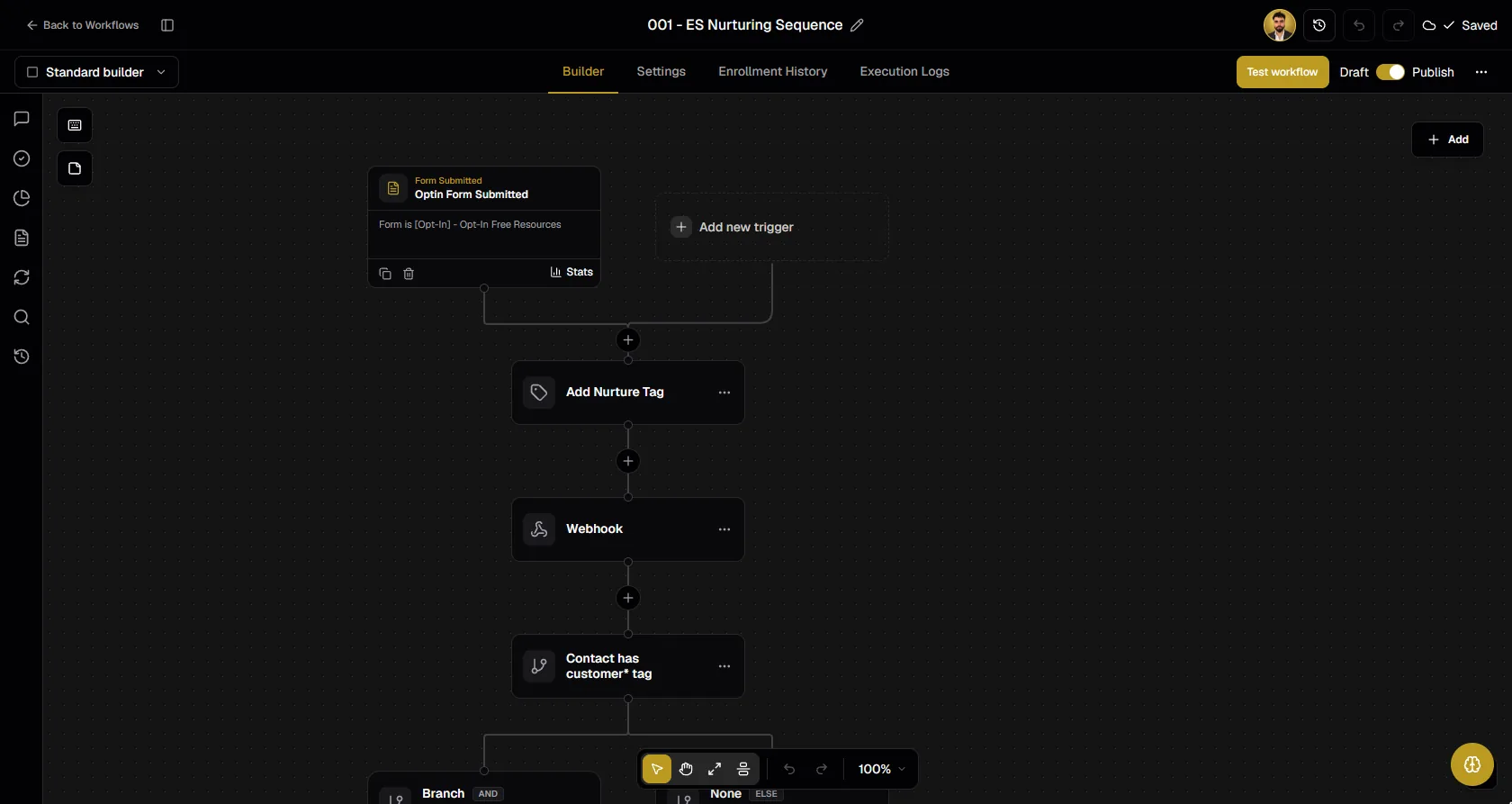
Every call is recorded and transcribed on the contact, so your front desk can see who confirmed, who moved and who did not answer. See AI workflows and how to set up an AI receptionist for the agent itself.
FAQ
Can AI make appointment reminder calls?
Yes. An AI voice agent can call clients before their appointments, confirm the time, offer a new time to anyone who cannot make it and book it on the spot, with the call recorded on the client's record.
When should appointment reminder calls be made?
Most businesses call 24 to 48 hours before the appointment, within normal hours in the client's time zone, with a confirmation text at booking and a short text on the day.
Are reminder calls better than reminder texts?
They do different jobs. Texts are cheap, quick reminders; calls get a yes or no and turn cancellations into reschedules. Using both covers the most clients.
What should an appointment reminder call say?
Identify the business, state the appointment type, day and time, ask if they are still good, and offer two alternative times if not. Keep it under a minute.
Do automated reminder calls need consent?
Reminder calls to existing customers about their own appointments are generally treated differently from marketing calls, but rules vary. Get consent at booking for calls and texts, honor opt-outs and check the rules for your region. This is not legal advice.
How far in advance should a reminder call happen?
One to two days before is the most common window: close enough that the appointment is on their mind, early enough to fill the slot if they cancel.
What if the client does not answer the reminder call?
Send a reminder text with an easy way to confirm or change the appointment, and try one more call the next day if you need a confirmation.
The bottom line
A no-show is an appointment nobody asked about in time. A short AI call the day before, with a text on either side, confirms the people who are coming and rebooks the ones who are not, while your team works with the clients in front of them.
Confirm every appointment without lifting the phone
Booking triggers, timed waits, AI reminder calls and text backups in one workflow, with rebooking on the same call.
About the author
Josh Pocock
Founder & CEO, StrideOps.ai
Josh Pocock is the founder and CEO of StrideOps.ai. He spent eight years building sales and marketing companies - most recently Executive Stride, the AI appointment-setting agency that now runs end to end on StrideOps.ai as customer zero. He went all-in on the platform full-time in late 2025.
Josh Pocock is the founder and CEO of StrideOps.ai. He scaled his own AI agency past $50K a month, and his agency Executive Stride has built systems for 400+ businesses. StrideOps started as the platform he built to replace that stack.
Read more
AI Receptionist With CRM: Why the Call Needs a Home
AI receptionist with CRM built in: why calls should land on the contact, what a connected setup does after each call, and what to check before you buy.
After Hours AI Receptionist: Catch the Calls You Miss
After hours AI receptionist setup: answer every evening and weekend call, book the next open slot, route emergencies to on-call staff, and follow up by text.
AI Phone Agent for Car Dealerships: Sales and Service
AI phone agent for car dealerships: book service appointments, call internet leads in seconds, set test drives and run service and lease-end campaigns.